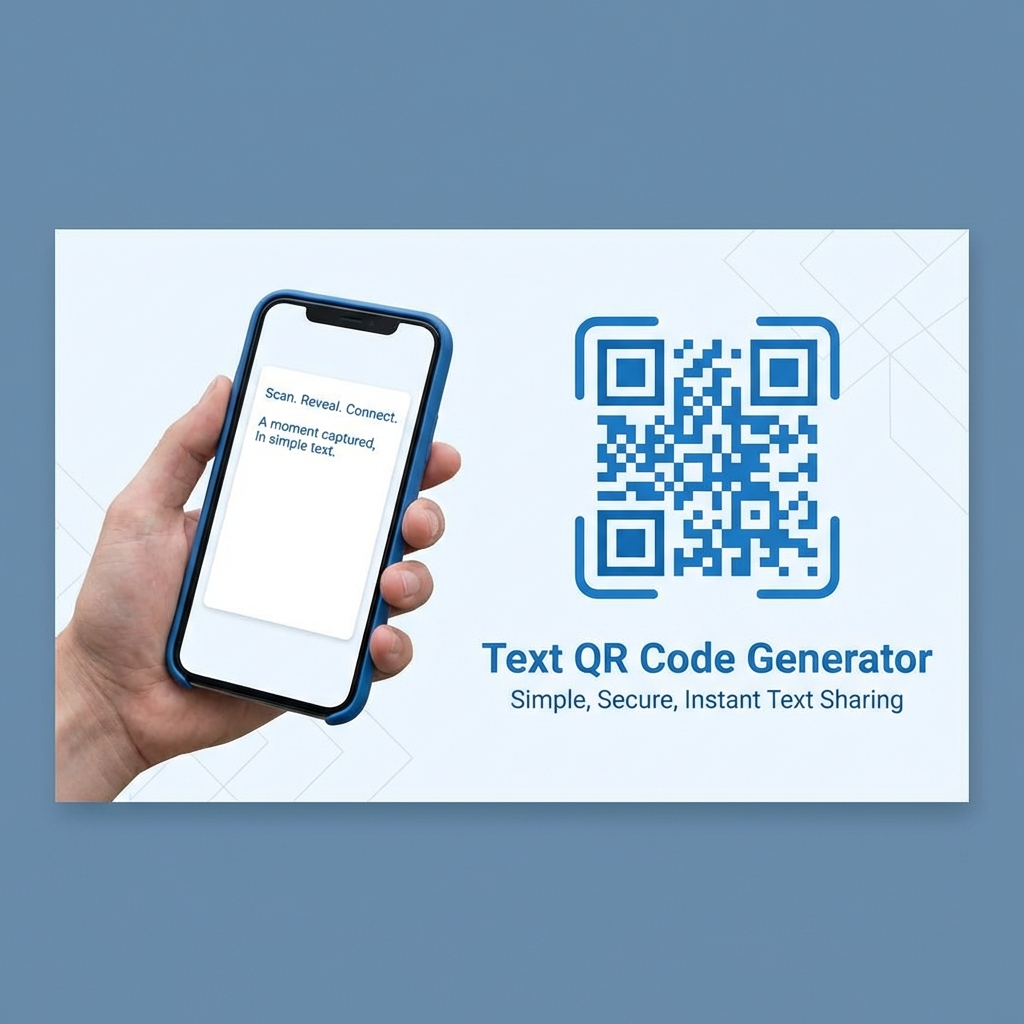
Our text QR code generator converts any plain text message into a scannable QR code instantly. Use it as a free, offline text to QR code converter - no internet required by the scanner.
What Is a Text QR Code?
Most QR codes are just links. They imply a dependency: "Scan this -> Go to the Internet -> Get Content."
Text QR Codes are different because they fundamentally are the content. When you encode text (like "Code: 8842" or "Property of Acme Corp"), that data lives permanently inside the black-and-white squares.
What Are the Benefits of an Offline Data Container?
Storing your text natively inside the QR code unlocks several powerful advantages:
- Zero Latency: The information appears on the scanner's screen instantly without loading a webpage.
- No Internet Needed: It works natively in basements, elevators, or remote outdoor locations where cell service is non-reliant.
- Permanent: Since there is no physical server or reliant URL to break or expire, the code works as long as the printed graphic is readable.
How Do You Create a Text QR Code?
Generating a text QR code is straightforward and secure. Follow these steps to encode your message:
- Enter Your Text: Type the plain text message, note, or serial number you want to encode.
- Verify the Length: Ensure your message is ideally under 300 characters to prevent the code from becoming too physically dense.
- Customize the Design: Try matching brand colors if printing on an asset tag, or add a simple logo.
- Test the Scanner (Crucial Step): Scan the generated code with your phone camera right now to confirm the message displays properly.
- Download the Code: Save it as a PNG or SVG for physical application.
What Are Ideal Use Cases for Plain Text QR Codes?
Text codes operate as the ultimate Swiss Army Knife of QR technology, primarily for internal and logistical procedures.
- Asset Management: Tag laptops or tools with "Property of [Company] - ID: 5521". It is scannable without a database connection.
- Medical Alerts: Engrave helmets or print ID cards with "Type O+, Allergies: Penicillin". Paramedics can read it instantly.
- Classroom Activities: Teachers continuously make offline scavenger hunts where localized clues are hidden in QR codes.
- WiFi Backups: If an automatic WiFi code fails on older phones, a Text code containing precisely the password allows for simple copy-pasting.
What Are the Technical Constraints and Limits?
A QR code can technically hold up to 4,296 alphanumeric characters natively. However, you should not approach that limit.
- More Text Creates More Dots: As you add characters, the code becomes denser and exponentially more complex.
- Scanning Difficulty Increases: Dense codes are exceptionally harder for low-quality cameras to focus on-especially when printed small on asset tags.
- Primary Recommendation: Keep it under 300 characters for reliable native scanning on all current-generation devices. Read further specifications directly from the Denso Wave Corporation documentation.
Are Text QR Codes Private and Secure?
Because these text codes are entirely static and securely processed uniquely on your client side:
- We cannot and do not read your stored notes.
- We cannot actively track who scans them.
- The data is completely permanent and fundamentally unalterable.
Ready to encode your message instantly? Create your free offline text code directly in your browser now!
We Tested This
We generated plain-text QR codes at three content lengths: a short message (15 characters), a medium message (150 characters), and the maximum practical payload (400 characters). All were printed at 3×3 cm and scanned from 30 cm on iPhone and Android. Short and medium codes scanned instantly. The 400-character code required the highest error correction level and a minimum 4×4 cm print size for reliable decode. Text codes display directly in the camera notification without opening a browser — we confirmed this behaviour on iOS 17 and Android 14. Emoji characters encoded correctly and displayed after scanning via Google Lens.
Last tested: March 2026 · Tested by Cornelious Fazal, Founder, Elnathansoft