Free QR Code Generator
A QR code generator is a powerful online tool that converts your digital information-such as a website link, contact detail, social media profile, or Wi-Fi password-into a scannable square barcode. By choosing to create QR code online, you bridge the gap between your physical marketing materials and your digital presence, allowing customers to access your content with a simple smartphone scan.
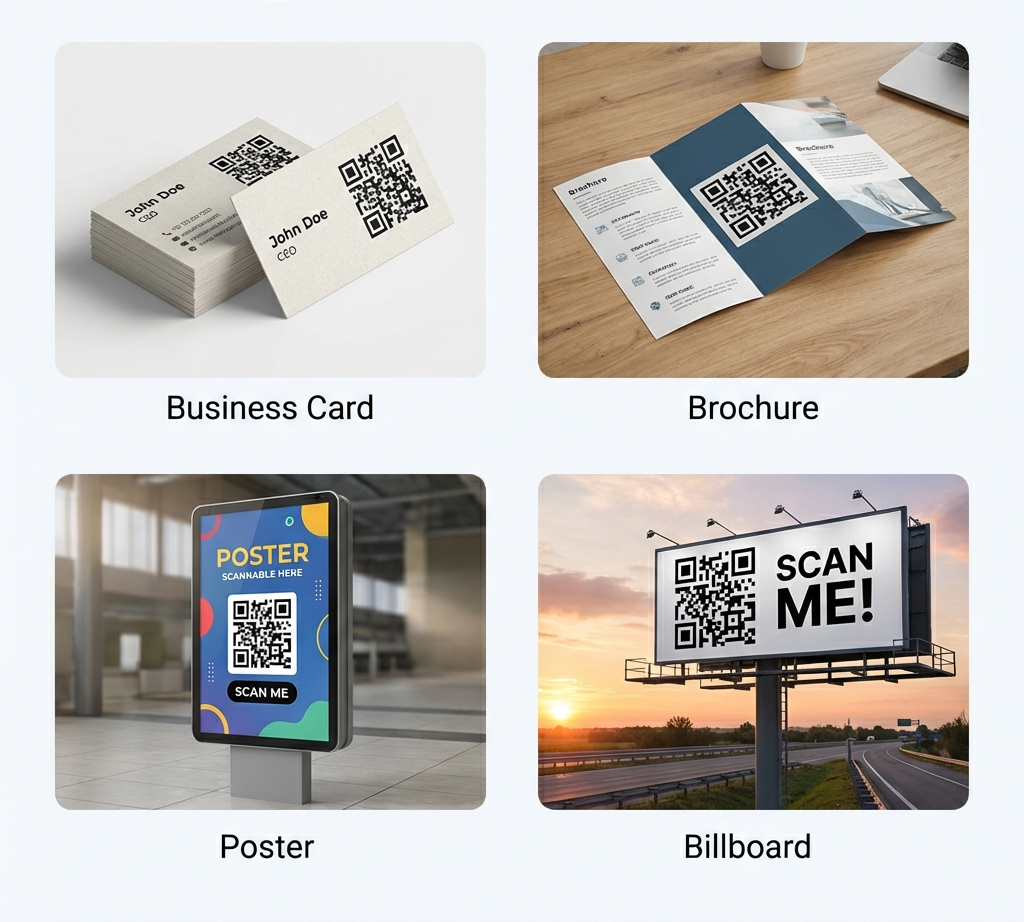
Business Uses
You can instantly generate QR codes for over 30 different use cases, from digital networking (vCard) and social media (Instagram, TikTok) to mobile payments (PayPal, Venmo) and connectivity (Wi-Fi). Our platform covers every single format required for modern businesses.
Depending on your personal or business goals, you need a versatile tool that handles different data types effortlessly. Instead of searching for separate tools, our platform provides comprehensive support.
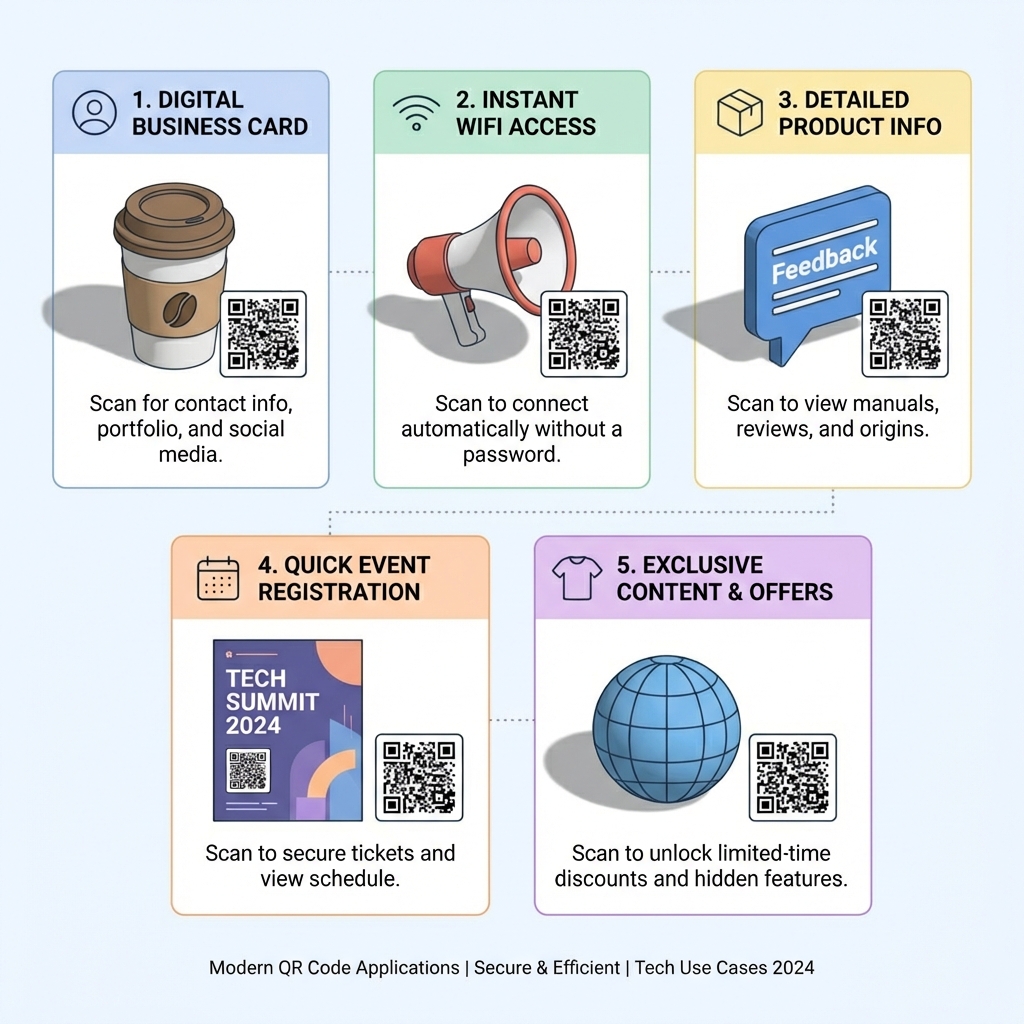
Digital & Networking
- URL: A versatile QR code generator URL. Build a link to qr code generator to send users instantly to any landing page, website, or promotional video.
- vCard: Utilize our vCard QR code generator for modern networking. Create a virtual business card QR code so scanners can save your details instantly; it functions as a highly professional contact information QR code (often called an electronic business card QR code).
- Text: Share plain text or notes instantly when internet access is unavailable.
- Email: Pre-fill an email address, subject, and body to speed up customer inquiries.
- Phone: Trigger an immediate phone call to your business line.
- SMS: Pre-populate a text message for quick SMS marketing opt-ins.
- Location: Pin a Google Maps location so customers can navigate to your storefront seamlessly.
Network & Connectivity
- Wi-Fi: Stop forcing people to type out complicated network passwords. Generate a connect to wifi QR code that allows anyone to join your network securely in one tap. Perfect as a guest wifi QR code or an instant wifi connection qr code using our dedicated wifi QR code generator.
Hospitality & Retail
- Menu: Transform your dining experience with a menu QR code generator . A restaurant menu QR code cuts printing costs, while a digital menu QR code provides a touchless menu QR code right at the table for hygienic ordering.
Social Media & Messaging
Direct your audience straight to your digital profiles to increase followers and engagement:
- Twitter (X)
- YouTube
- TikTok
- Snapchat
- Telegram
- Discord
Payments & Business Operations
Streamline transactions and scheduling with dedicated code formats:
- PayPal & Venmo: Securely process mobile payments by scanning a code.
- Bitcoin: Easily share crypto wallet addresses for transactions.
- Calendly: Direct clients to schedule meetings instantly.
- Event & Eventbrite: Issue digital tickets or share calendar event details.
- G-Form (Google Forms): Collect rapid survey feedback or sign-ups.
- Zoom & Meet: Provide one-tap access to your video conference links.
- Dropbox: Share large files and folders securely in person.
- Spotify, Vimeo & iTunes Link: Directly promote your podcast, album, or video content to your audience.
Why Our Custom QR Code Maker is the Best Choice
Our custom QR code maker provides 100% free generation with zero registration. You can create a branded QR codes by uploading a logo, applying custom branding colors, or quickly scale your enterprise operations using our bulk QR code generator.
When evaluating tools, you need speed, reliability, and full branding control. Here is what sets our platform apart:
Accessibility (Free & No Signup)
- Free QR code generator no signup: We believe essential tools should be accessible instantly. Dive right in and use our QR code generator no registration required.
- Anonymous QR code generator: Generate codes privately and quickly. It is entirely a free QR code with logo creation tool.
Customization & Branding
Standing out matters. Generic black and white codes often get ignored. Use our QR code generator with logo features to upload your company emblem directly into the code center. Try custom logo QR code free features to produce a truly personalized QR code design. Ensure your visuals pop by selecting a custom colors QR code palette that matches your brand guidelines.
Bulk & Enterprise Needs
If you are running a massive event or printing unique codes on thousands of physical products, doing it one by one takes too long. Our bulk QR code generator lets you generate multiple QR codes instantly. Simply run a bulk upload QR codes CSV spreadsheet to trigger effortless batch creation QR codes.
Dynamic vs. Static: What is a Dynamic QR Code and How Does it Work?
A dynamic QR code uses a short redirect URL, allowing you to edit the destination link after printing and track analytics. Using a dynamic QR code generator is essential for marketing campaigns because it provides editable, trackable QR codes with real-time scan data.
Understanding the difference between the two main types of codes ensures you pick the right format for your project.
Static QR Codes
A static code hard-codes the information directly into the pattern. Once generated, it can never be changed. It does not expire, but if you make a typo in the URL, you must reprint everything. These are best used for permanent Wi-Fi credentials or simple text sharing.
Dynamic & Analytics (High Commercial Intent)
A dynamic QR code generator creates a short URL that redirects the scanner to your destination. Because the destination is not hard-coded, you possess editable QR codes.
- Trackable QR codes: Monitor exactly how many scans you receive, when they happened, and where the users were located.
- QR code analytics: Gain deep marketing insights to evaluate the ROI of your printed materials.
- Update content anytime QR code: Did your promotion end? Reroute the code to your homepage without changing the printed image.
- Currently, we offer options for free dynamic QR codes so you can test tracking capabilities risk-free.
How to Create a QR Code Online in 5 Easy Steps
To create a QR code, simply select your desired data type, enter your link or contact information, customize your design with your brand colors and logo, and download the high-resolution image file for immediate use.
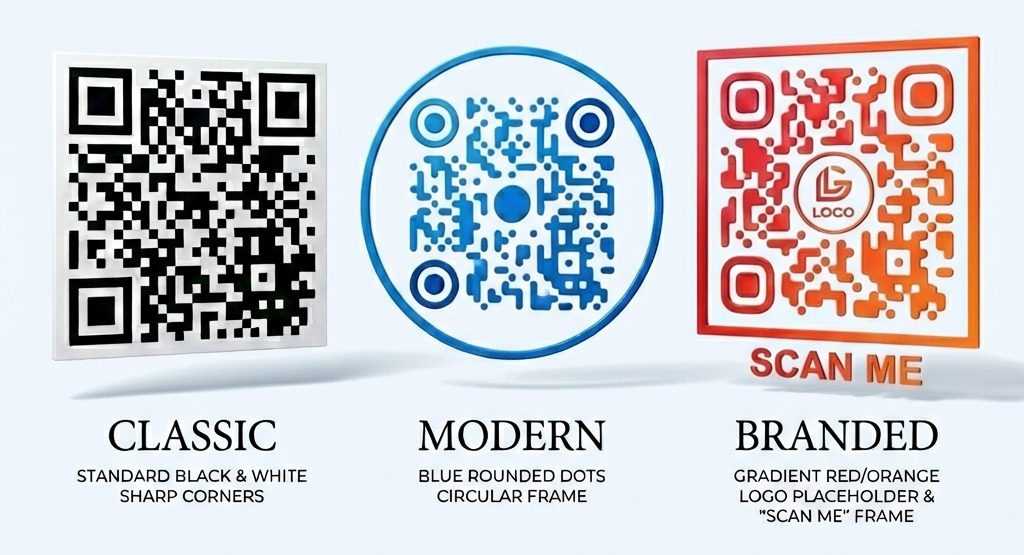
Learning how to create a QR code takes less than 60 seconds. Follow these sequential steps:
- Choose your code type: At the top of the page, select from over 30 options including URL, WhatsApp, vCard, PDF, or Wi-Fi. (e.g., If you are a cafe, click the how to create QR code for restaurant menu free option).
- Enter your details: Paste your secure HTTPS website link, fill out your contact details, or enter your payment username.
- Customize your design: Change the square pattern or adjust the eye shapes to match your style.
- Add branding: Upload your company image. (If you are wondering how do I add a logo or image to a QR code? just click the 'Upload Logo' button and we center it automatically for you).
- Download & Share: Download your finished file in a scalable format (PNG, SVG, or EPS) so it stays sharp regardless of print size.
Scannability Best Practices
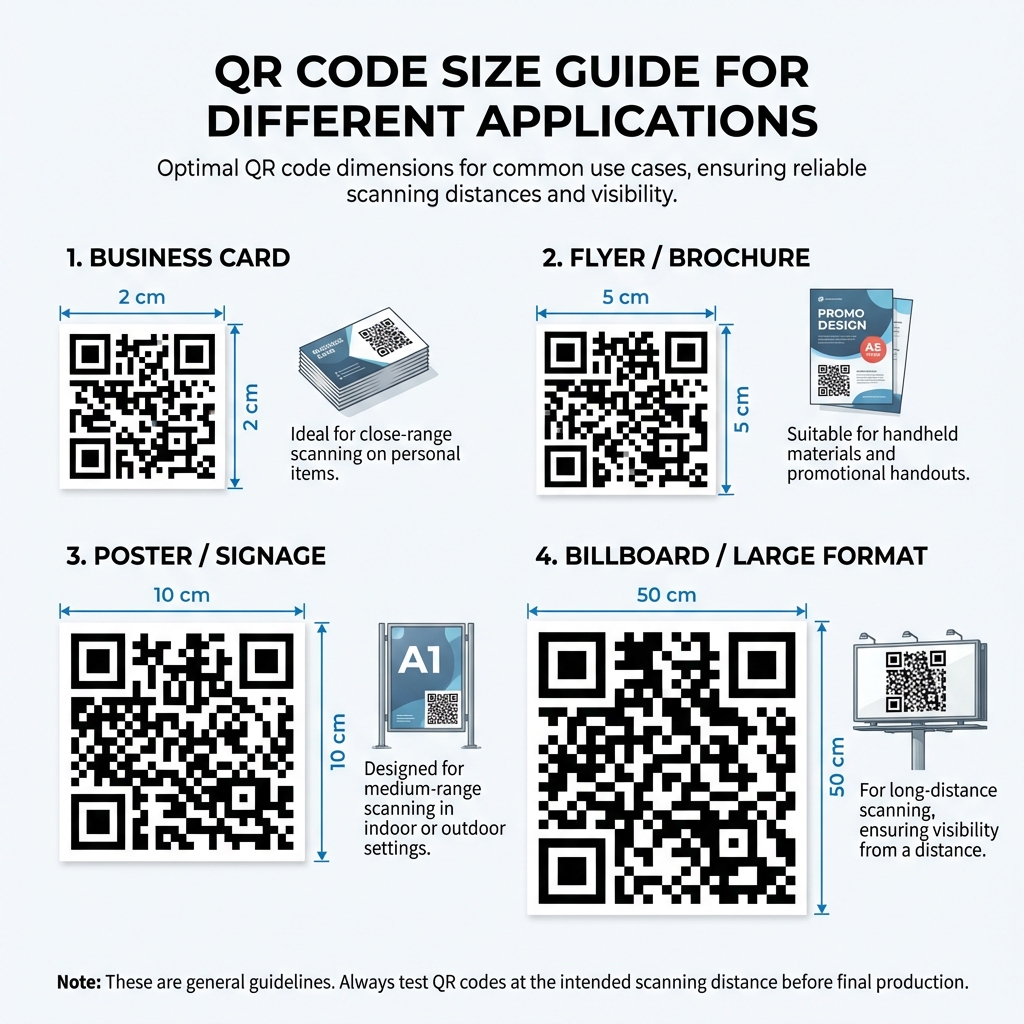
Ensure your QR code is scannable by maintaining high color contrast, keeping a 'quiet zone' border, and printing it no smaller than 2x2 centimeters holding a maximum of 300 characters.
A common mistake is designing a beautiful code that smartphones cannot actually read. How do I ensure my QR code is scannable?
Size Matters
How small can a QR code be and still scan reliably? As a general rule, a QR code should never be printed smaller than 0.8 x 0.8 inches (2 x 2 cm). Furthermore, the distance the scanner is from the code dictates the size; a code on a billboard must be massive compared to one on a business card.
Contrast is Key
Always use a dark foreground color on a light background. Printing a yellow code on a white background will fail because smartphone cameras cannot detect the pattern edges.